Smart Bidet Seat User Manual
Installation, operation, troubleshooting & maintenance guide
Bidet Seat
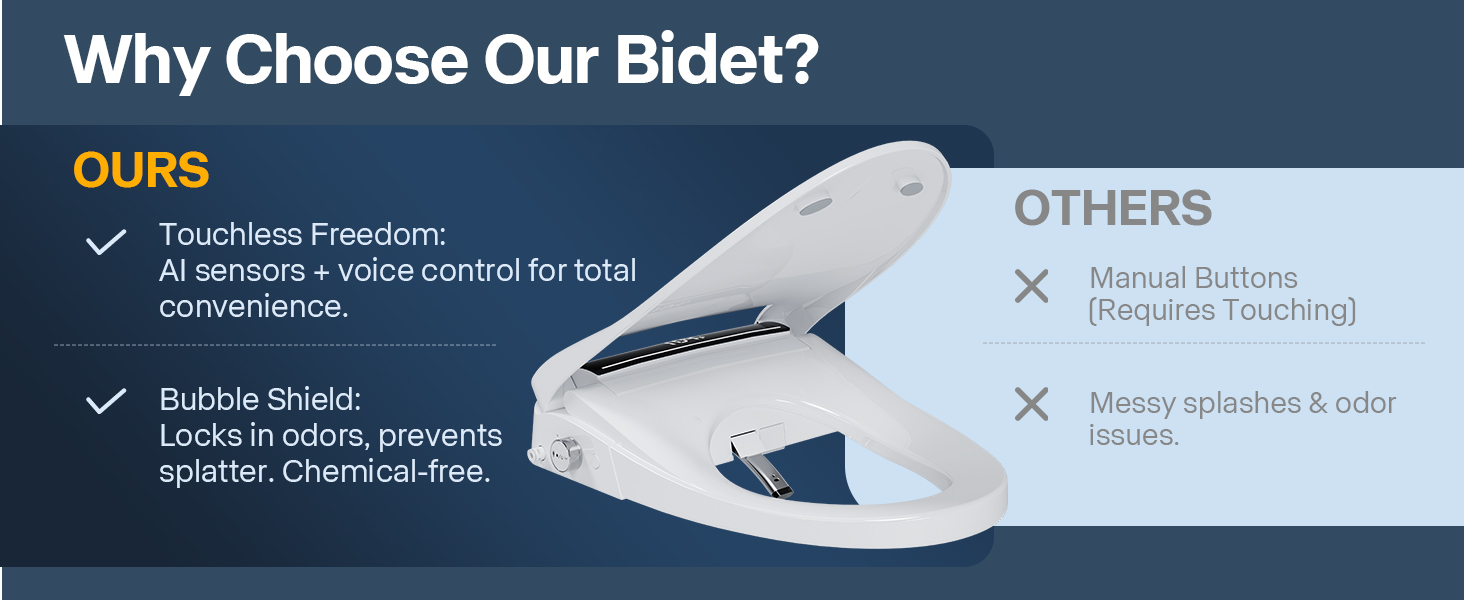
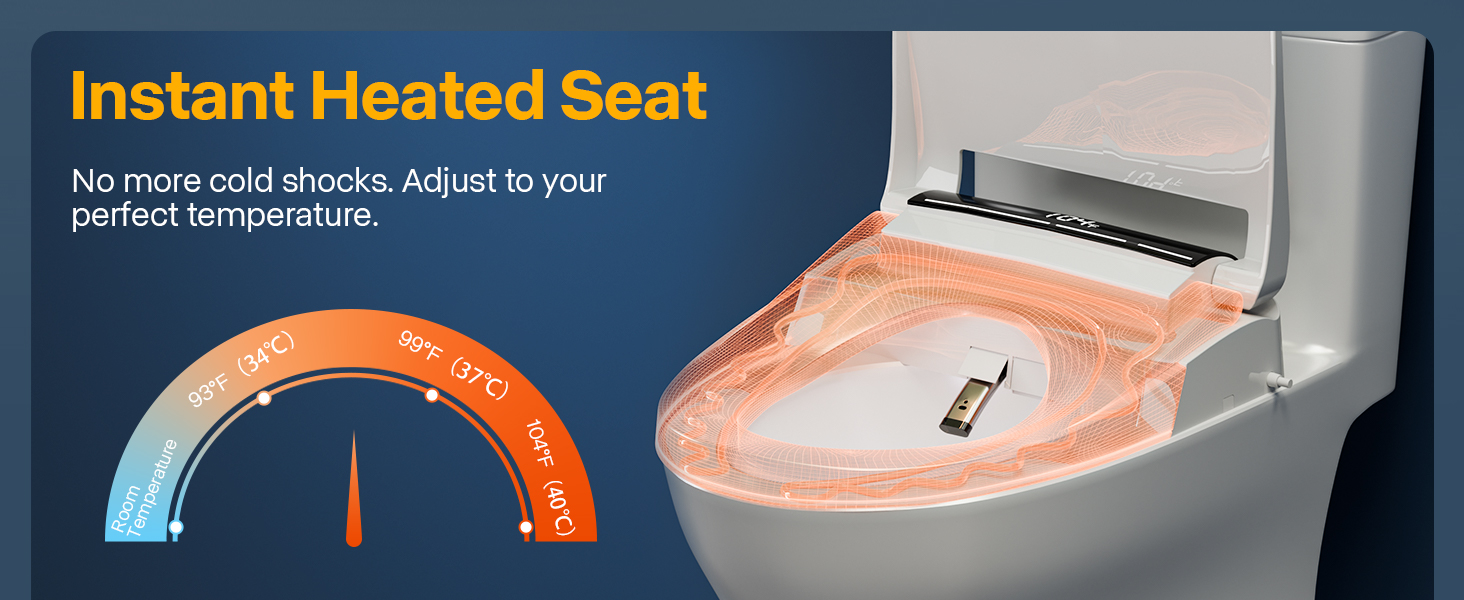
Thank you for choosing the ZingPOP LR03 Smart Bidet Seat. This product adds advanced bidet functionality to your existing toilet — warm water wash, heated seat, warm air dryer, auto lid, and foam shield protection.
Model: LR03 (ZingPOP Smart Bidet Seat)
US Power: 110-120 V AC, 60 Hz (plug-in, no hardwiring needed)
Color: Ceramic White (dual color covers: Black & White included)
Included Components
- Smart Bidet Seat (main unit)
- Remote Control (wireless)
- Mounting Plate
- Rubber Anchors (x2)
- T-Valve (water splitter)
- Water Supply Hose
- Mounting Hardware
Installation Steps
- Attach Rubber Anchors — Insert the rubber anchors into the mounting holes on your toilet bowl.
- Attach the Mounting Plate — Secure the mounting plate onto the rubber anchors. Tighten firmly.
- Attach the Bidet Seat — Slide the bidet seat onto the mounting plate until it clicks into place.
- Connect the Water Hose — Connect the T-valve to your existing water supply. Connect the bidet water hose to the T-valve. Ensure no kinks in the hose.
- Plug it in! — Connect the power cord to a grounded electrical outlet. The seat will power on automatically.
| Button | Function |
|---|---|
| Stop | Cancels all active functions (wash, drying, etc.) |
| Seat Open/Close | Press to open or close the seat |
| Lid Open/Close | Press to open or close the lid |
| Nozzle Position (front/back) | Adjust nozzle position during wash — move forward or backward |
| Pressure + / – | Increase or decrease water pressure during cleaning |
| Auto-Lid | Toggle radar-sensing automatic lid opening on/off |
| Bubble | Start foam shield (bubble) function |
| Self-Cleaning | Start nozzle self-cleaning cycle |
The side knob provides quick access to essential functions.
| Action | Result |
|---|---|
| Rotate forward (clockwise) | Start posterior (hip) wash |
| Rotate backward (counterclockwise) | Start feminine (front) wash |
| Press knob | Stop current function |
| Long press knob | Extended travel wash mode |
The remote is pre-paired from the factory. Re-pair only if the bidet seat does not respond to the remote.
- Ensure the bidet seat is powered on.
- Press and hold the Stop and Seat Open/Close buttons simultaneously for 3 seconds.
- The seat will respond with a beep — pairing is complete.
6.1 Radar-Sensing Automatic Lid
The lid opens automatically when you approach the toilet. Toggle on/off via the Auto-Lid button on the remote.
6.2 Bubble Shield (Foam Shield)
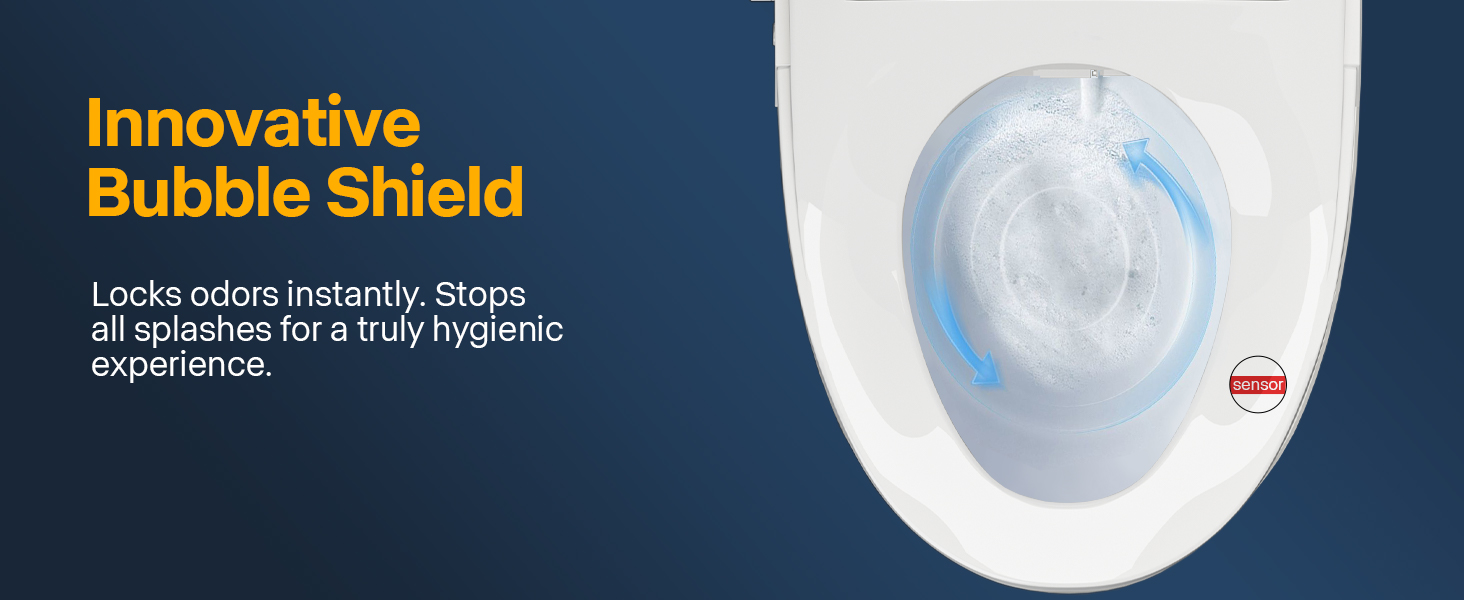
Creates a foam layer on the water surface to prevent splashing during use. Activate via the Bubble button on the remote.
- Add foam tablets to the foam bottle compartment as needed.
- Ensure the foam tube is not bent or kinked during installation.
6.3 Smart Voice Module
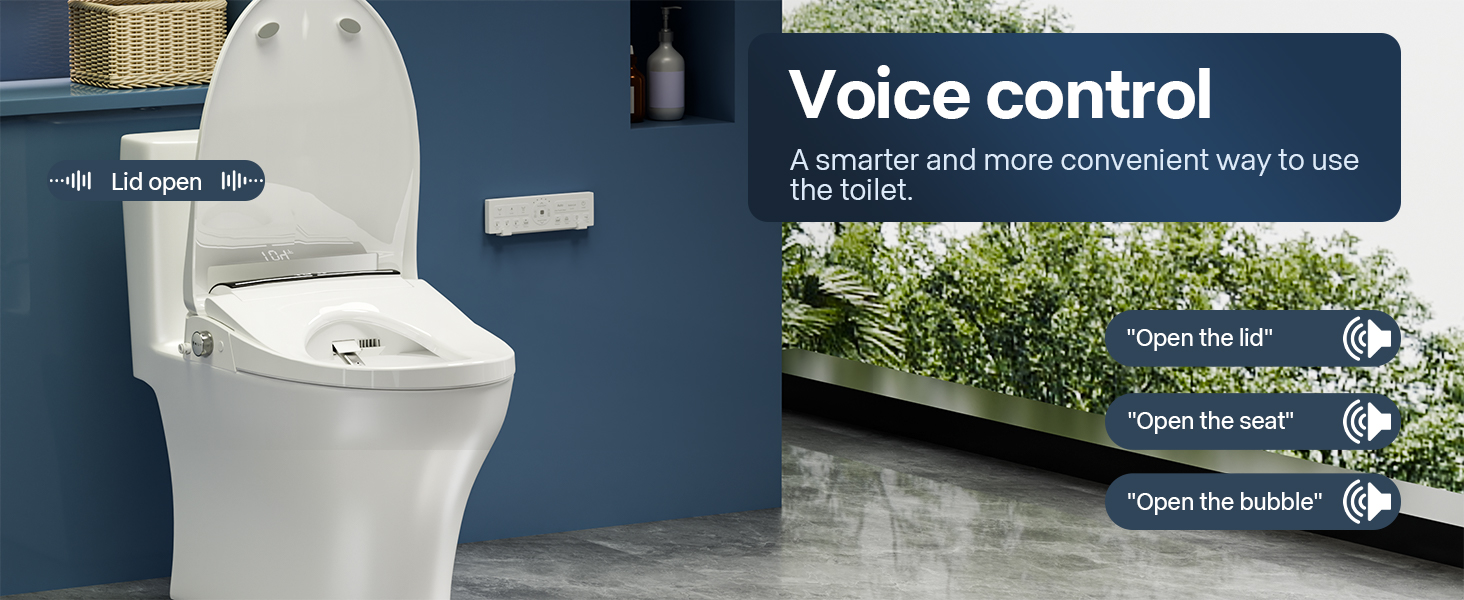
Voice-controlled operation. Supports lid/seat open/close, flushing, cleaning, and drying commands.
6.4 Extended Travel
Long-press the knob to activate extended nozzle travel for deeper cleaning.
Nozzle Self-Cleaning
The stainless steel nozzle self-cleans before and after each use. For manual cleaning, press Self-Cleaning on the remote or long-press the Night Lamp button.
Cleaning the Unit
- Wipe the exterior with a soft, damp cloth. Do not use abrasive cleaners.
- For stubborn stains, use mild soap and water.
- Do not spray water directly onto the unit.
- Clean the water inlet filter every 3-6 months depending on water quality.
Cleaning the Water Filter
- Turn off power and close the angle valve.
- Unscrew the water hose connection and remove the filter screen.
- Clean the screen with a soft brush under running water.
- Reinstall and reconnect. Turn on power and water supply.
| Problem | Solution |
|---|---|
| Bidet seat not responding | Check power connection. Press the reset button if available. Unplug for 30 seconds and retry. |
| Remote not working | Replace batteries. Re-pair remote (see Section 5). Check for line-of-sight obstruction. |
| No water / low water pressure | Check water supply valve is fully open. Clean inlet filter. Ensure hose is not kinked. |
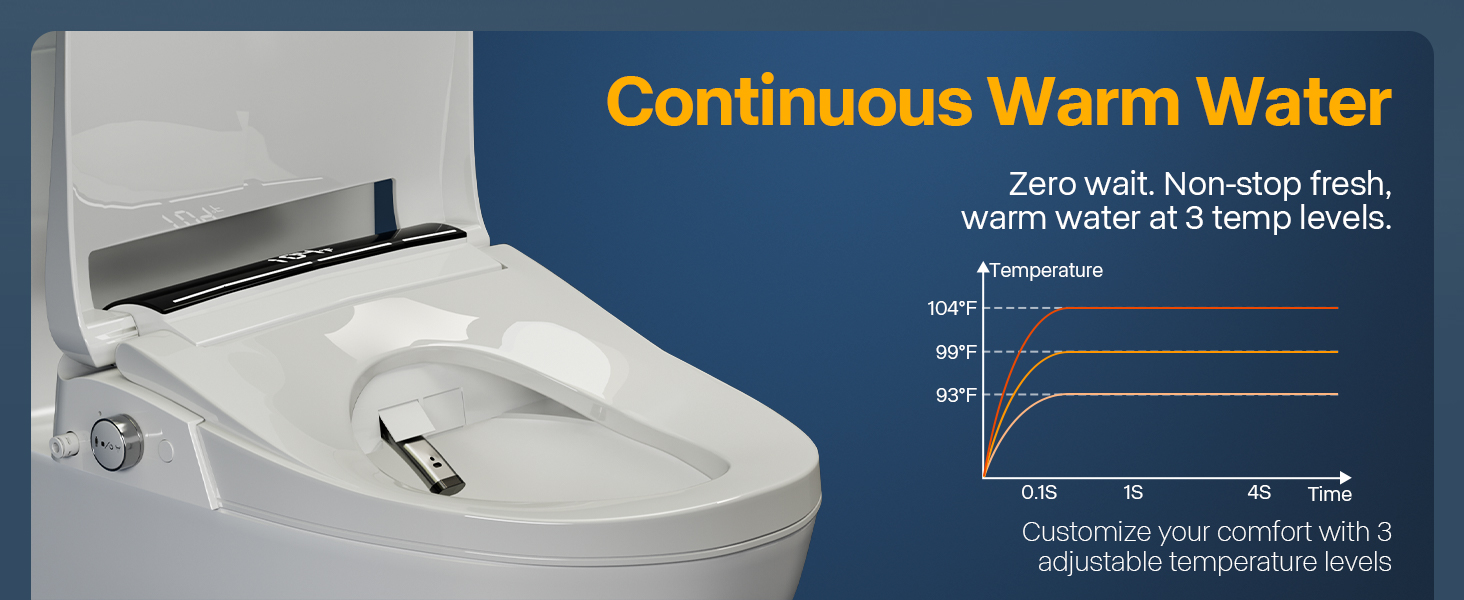
| Water not warm enough | Wait up to 2 minutes for instant heater to reach temperature. Check water temperature setting. |
| No foam / bubble | Add foam tablets to the bottle. Check foam tube for kinks. Ensure Bubble function is activated. |
| Seat not heating | Check seat temperature setting is not set to “Off”. Allow 2-3 minutes to warm up. |
| Dryer not working or weak airflow | Check air temperature setting. Clean the dryer vent. Ensure seat sensor detects occupancy. |
| Auto lid not opening | Ensure Auto-Lid is toggled ON on remote. Check sensor area is clean and unobstructed. |
| Brand | ZingPOP (LEIRUN TECHNOLOGY) |
| Model | LR03 |
| Product Type | Smart Bidet Toilet Seat |
| Color | Ceramic White (dual covers: Black & White) |
| Shape | Oval |
| Dimensions | 19.49″ x 14.65″ (495mm x 372mm) |
| Material | PP (Polypropylene) |
| Water Heating | Instant (endless warm water) |
| Operation | Remote control + Side knob |
| Power | 110-120 V AC, 60 Hz (standard US outlet) |
| Rated Power | 1000 W |
| Water Pressure | 0.3–0.6 MPa (43–87 PSI) |
| Features | Auto lid, heated seat, warm air dryer, foam shield, LED temp display, voice control, self-cleaning nozzle |
After-sales service & manual downloads:
- Website: www.e-sanitaryware.com
- Email: service@e-sanitaryware.com
- WhatsApp: +86 15123926737
Warranty Registration: Register your product on our Warranty Registration page for lifetime free replacement parts.
Scan the QR code on the product or packaging for quick access to installation guides, user manuals, and troubleshooting tips.